Language, notifications and account settings
Last updated
This guide covers the settings you will want to find: language, notifications, blocked people and what the free plan includes.
Change the language
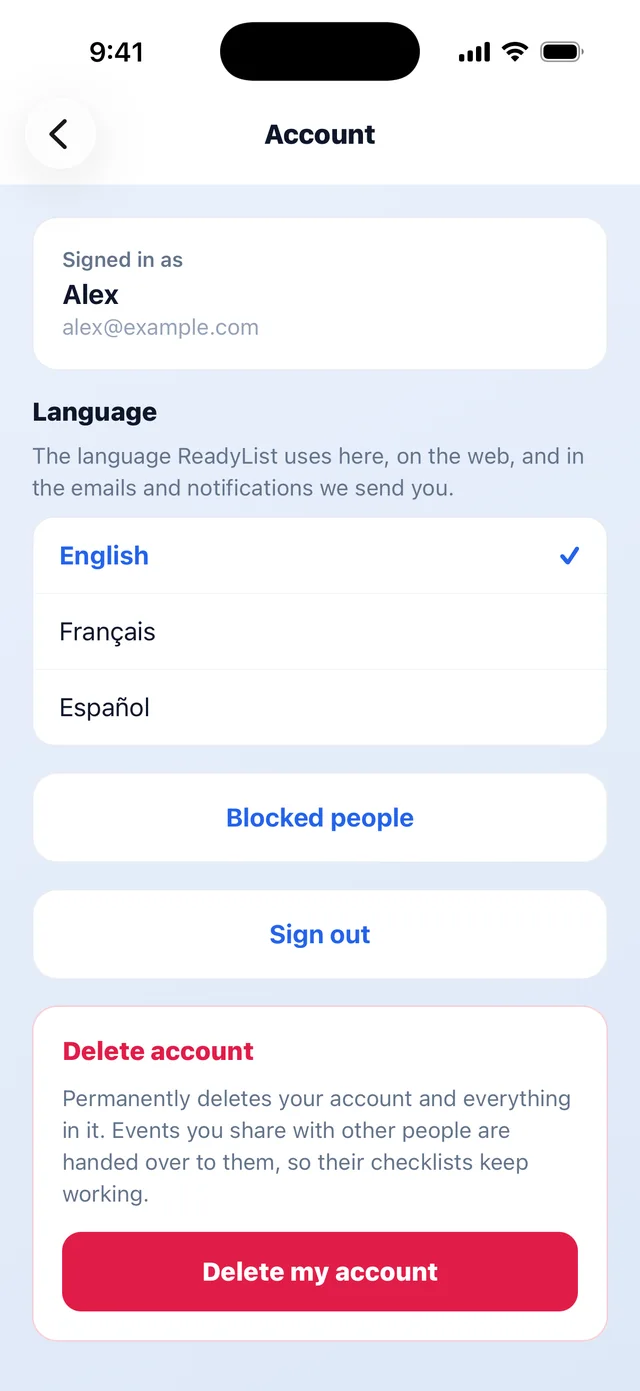
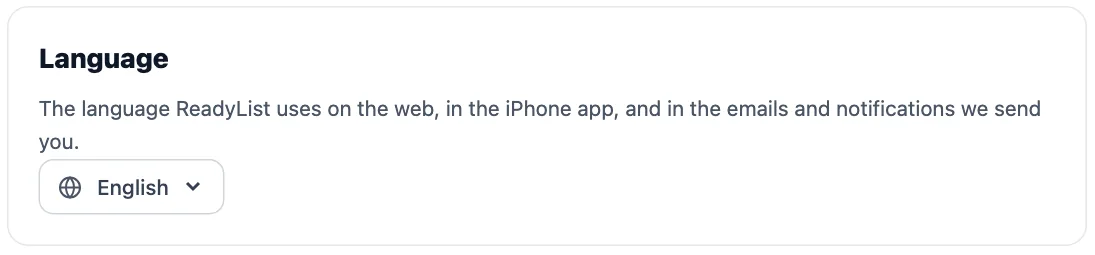
ReadyList speaks English, French (Français) and Spanish (Español). It picks up your device’s language automatically, and you can change it any time.
- Web: open the avatar menu in the top-right corner and click Account, then open Language and choose one. The language picker is also on the landing page and the privacy and terms pages.
- iPhone: tap Account at the top of your lists, then choose a language under Language.
The choice applies on the web, in the iPhone app, and in the emails and notifications ReadyList sends you.
Notifications on iPhone
The first time ReadyList needs to, it asks permission to send notifications. You will get three kinds:
- Task assignments: when someone assigns you a task.
- Messages: when someone posts in a list you are on.
- Task reminders: at 9:00 in the morning on the day your tasks are due, for the tasks that are yours and not yet done.
iPhone has one switch for all of them, in Settings → Notifications → ReadyList.
Everyone also gets service emails such as invitations and task reminders. Optional product news is controlled on the email preferences page, which you reach from Account on the web.
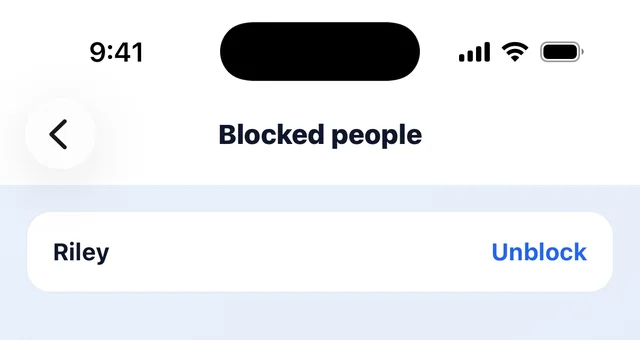
Blocked people
- Web: Account → Blocked people, then click Unblock next to a name.
- iPhone: Account → Blocked people, then tap Unblock.
You block someone from their message in a list’s chat. See Chat with your group on a list.
Free plan limits
- 3 events that you own at a time. At the limit the button reads ”🔒 Event limit reached”.
- Members: invite everyone you’re planning with. If a list can’t take any more people, the invite dialog shows ”🔒 This event is full”, and someone opening the link sees “This event is full” and is asked to contact the event’s organizer.
The same limits apply on the web and iPhone.

Frequently asked questions
- Is ReadyList free?
- Yes. There is no credit card to add. On the free plan you can own up to 3 events at a time, and you can invite everyone you're planning with.
- What counts toward the 3 events?
- Only lists you created. Lists you were invited to do not count. Delete a list you no longer need and the space frees up.
- Will changing the language translate my lists?
- It changes ReadyList's own text: buttons, emails and notifications. What you and your group wrote, such as list names, tasks and messages, is never translated. Templates are copied in the language you had when you created the list.
Related
More help guides
From the blog
Ready to try it?
Every person gets their own checklist, and you can see who is actually ready.
Open ReadyList — it’s free